
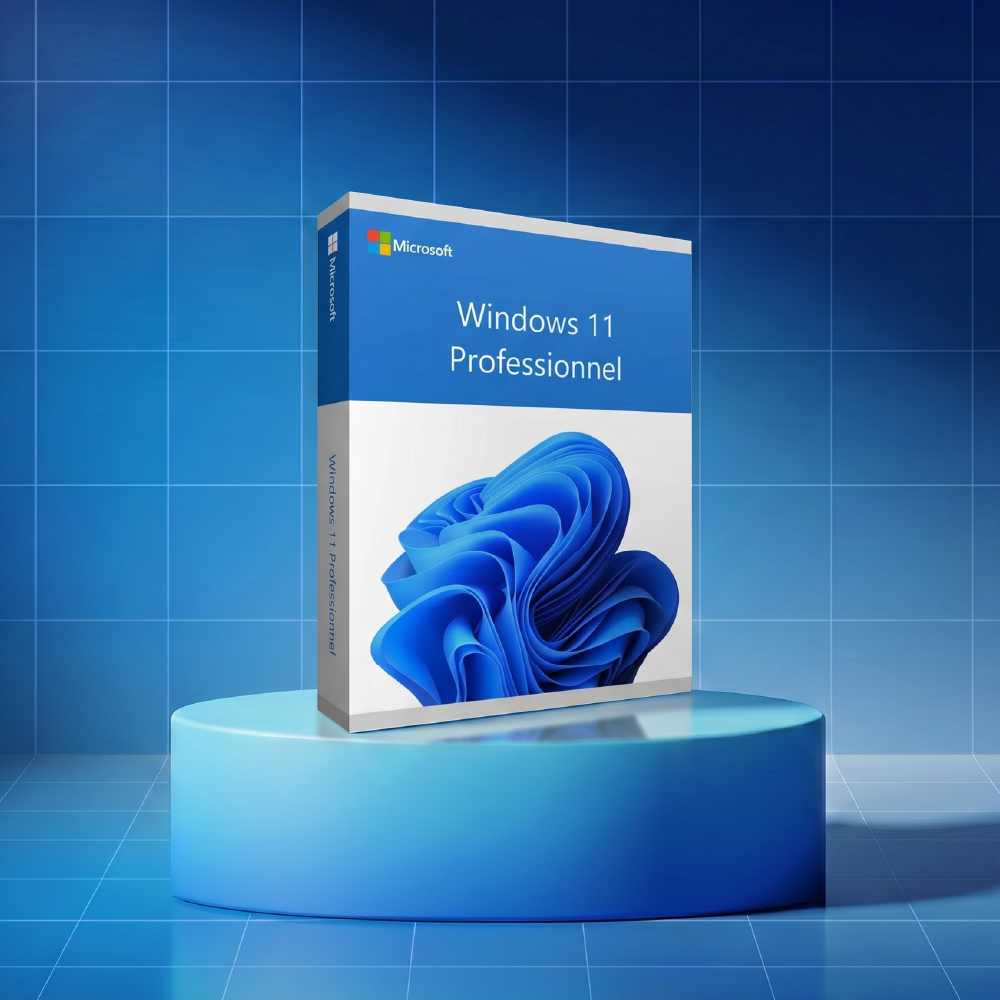
Windows 11 Pro Key – Official Lifetime License

Microsoft Windows 7 Ultimate Key
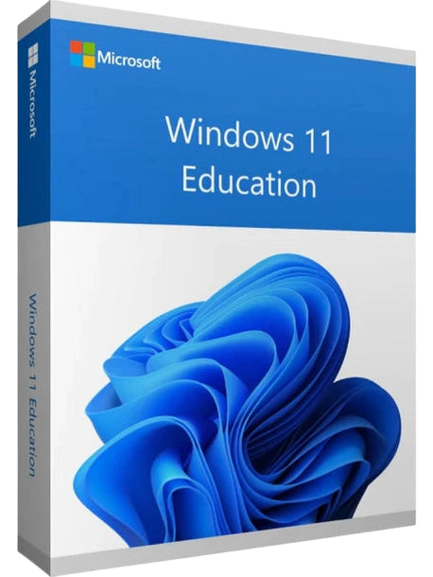
Windows 11 Education Key – Official License
Welcome to the world of Windows
Windows is everywhere: on traditional PCs, ultrabooks, workstations, Surface hybrid devices, and even custom-built machines integrating Intel, ARM, or AMD processors.
Each new version of Windows brings system optimization, a more intuitive user interface, advanced customization options, and deep integration with online services such as OneDrive, Microsoft Office, the Microsoft Store, Outlook, Teams, and multimedia tools like Media Player.
Today, the Windows ecosystem also includes Copilot, the AI integrated into the system, which helps you save time, solve problems, organize your virtual desktop, or quickly access key settings on your device. Windows is continuously evolving thanks to the Windows Insider program, regular updates via Windows Update, and an ever-active global community of users, developers, and professionals.
Why choose Microsoft Windows?
Security and Trust
Windows is based on a protected architecture, reinforced by technologies such as TPM, protected mode, application control, network access management, and a continuous upgrade ecosystem.
Every feature is designed to reduce risks, prevent intrusions, and secure your personal and professional files. Built-in protections work in real time, ensuring a stable experience even with multitasking, troubleshooting, or demanding applications.
Productivity and versatility
Windows is designed to run all types of programs, from simple office tools to advanced applications for video editing, photo studios, content creation, or technical development.
Thanks to the improved window system — Snap Layout, Snap Group, centered taskbar, widgets, multiple desktops — each user can organize their workspace, save time, and increase their performance.
USB-compatible devices, external displays, mobile media, and modern peripherals integrate directly for seamless use.
Flexibility for all users
Windows supports individuals as well as the general public, businesses, and cloud professionals, with tailored editions, extensive customization options, advanced network management, and numerous solutions for downloading, installing, configuring, and supporting.
The system is designed to adapt to your way of using your PC, whether for work, gaming, communication, checking your social networks, managing your applications, or launching a specific environment.
Microsoft Windows editions: find the right license
Each Windows version meets a specific need: family use, professional use, business-oriented, or server.
The Windows ecosystem covers both modern devices and older configurations, while offering solutions adapted to minimum system requirements, hardware compatibility, RAM, graphics card, TPM, or network, storage, or cloud needs.
Windows Home: simplicity, comfort, and home use
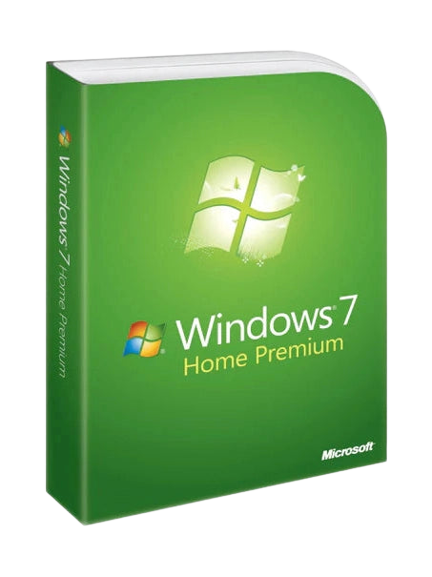
Windows Home is designed to meet the needs of the general public: internet browsing, school work, multimedia creation, photo management, casual gaming, social media communication, and daily organization.
Its design emphasizes ease of installation, an intuitive interface, an optimized start menu, a fluid notification center, and intelligent file management. Compatible with most applications, USB devices, software, and Microsoft services, it is a lasting solution for the entire family.
Windows Professional: Advanced Tools for Businesses
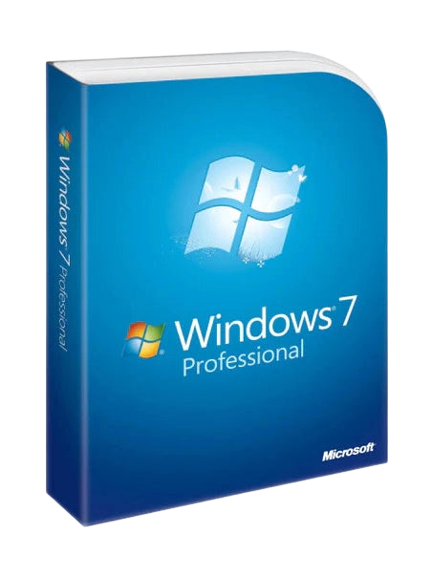
Designed for professionals, Windows Pro offers additional features: BitLocker encryption, advanced account management, network access control, domain join, built-in virtualization, cloud support, and simplified deployment.
This edition is for businesses that want a stable, protected environment compatible with Microsoft 365, Azure Active Directory, Teams, and other collaborative tools. Windows Pro improves productivity, strengthens security, and enables optimized daily device management.
Windows Enterprise: Security, Management, and Infrastructure
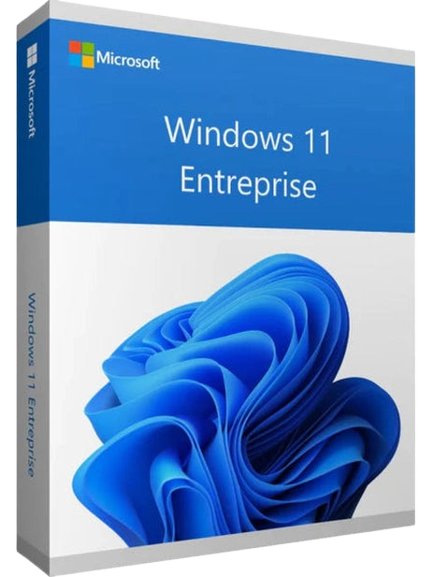
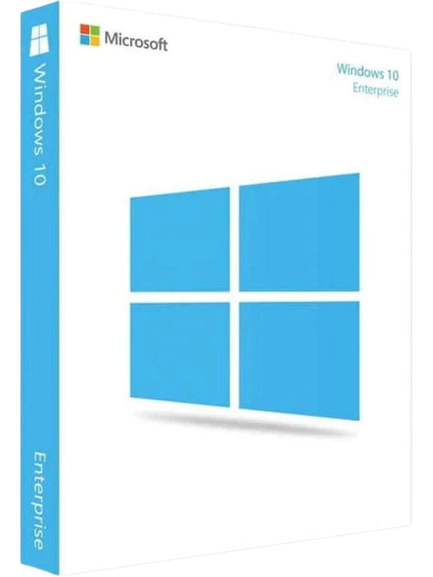
Aimed at large organizations, Windows Enterprise meets the needs of complex environments: large-scale workstation management, automated deployment, enhanced security policies, cloud/hybrid integration, network optimization, and precise data control.
Designed to withstand modern threats, it includes an advanced protected mode, an intelligent monitoring system, and centralized administration tools. Its enterprise-adapted features enable better resource utilization and long-term stability.
FAQ All your questions about Windows keys
How to get and install your Windows license?
Obtaining Windows has become simple, fast, and secure thanks to the official download system and Microsoft tools such as the Media Creation Tool, installation media, authentic ISOs, and download center services.
Before any installation, it is essential to check your device's compatibility, including the presence of TPM, the amount of RAM, the graphics card, the processor version (Intel, AMD, ARM), and the system's minimum requirements.
Once these elements are validated, you can install your Windows version by following the recommended steps: preparing the USB key, configuring the BIOS, choosing the partition, then activating it via an authentic license.
Each step is designed to help you get started safely, reduce the risk of technical problems, and ensure a smooth experience from the first few minutes.
Check your device's compatibility
With the evolution of the digital market, Microsoft now imposes precise criteria before a system can be installed or upgraded.
Users must therefore check for the presence of the TPM module, processor compatibility, graphics configuration, and conditions related to custom-built devices.
Thanks to Microsoft tools, it is possible to know immediately if "this PC can run Windows 11" or if an upgrade is impossible. This step ensures a protected installation, better stability, and system optimization.
Download Windows 11 or Windows 10 legally
The best method for downloading a Windows operating system is through reliable sources. You can obtain your Windows 11 license directly. For users wishing to maintain a more classic environment, the Windows 10 collection.
These downloads provide quick, secure, and brand-compliant access. They are compatible with modern devices, facilitate upgrades, and guarantee optimal system operation.
What are the benefits of Windows 11?
Windows 11 is the new version of the system, designed to offer a modern, intuitive, and faster experience. Its graphical interface with rounded corners, its centered menu, its optimized virtual desktops, and its new simplified settings make it an environment suited for demanding users.
Thanks to the integration of Copilot, new communication options, customizable widgets, and enhanced security updates, this version improves productivity, performance, and control of every device.
Compatible with the latest generations of Intel, AMD, and ARM processors, Windows 11 also benefits from an improved gaming mode including DirectStorage, Auto HDR, and optimized loading times for better visual quality.
Which Microsoft Windows version should I choose for my device?
The choice of a Windows version depends on your device, your processor, your usage (family, business, gaming), and the minimum system requirements (RAM, TPM, graphics card, etc.).
For a clear and modern comparison, consult our complete guide: which Windows to choose.
You will find a table of versions, usage examples, hardware compatibility, and advice for optimizing your configuration.
Can I still use Windows 7 or Windows 8 / 8.1 in 2025?
Older versions like Windows 7 or Windows 8 / 8.1 remain technically compatible with certain older devices or specific software, but they no longer receive modern security updates.
While they may function, they do not guarantee a level of security suitable for current uses: cloud, web browser, protected data, home or corporate network.
For better stability, Microsoft recommends at least Windows 10 or Windows 11.
How to check if my PC is compatible with a Windows 11 upgrade?
To install Windows 11, it is essential to check:
- the presence of the TPM module,
- a compatible processor (Intel, AMD, ARM),
- the minimum RAM,
- the graphics card,
- support for protected mode,
- official system requirements,
- the USB ports required for installation.
Windows 11 introduces a modernized interface, improved windows (Snap Layout, multiple desktops), gaming features such as DirectStorage, and optimized loading times.
If your hardware does not meet the criteria, Windows 10 remains a high-performing and long-lasting Windows version.
How to Install or Reinstall Windows Using a USB Drive?
Installing via a USB drive is the easiest and fastest method. Here are the steps:
- Download the ISO image from the Microsoft Download Center.
- Create a bootable USB drive using the Media Creation Tool.
- Configure the boot order (BIOS).
- Start the installation, select the disk, then follow the on-screen prompts.
This method works for all editions: Windows Home, Pro, Server, older versions, or new systems like Windows 11.
Does Windows improve gaming performance?
Yes. Windows 11 and Windows 10 include specific optimizations for gamers, including:
- DirectStorage to reduce loading times,
- Auto HDR to improve visual quality,
- Xbox peripheral compatibility,
- A game mode designed to stabilize PC performance.
Thanks to these technologies, users benefit from a smoother, faster, and more immersive gaming experience.
Windows and the Microsoft Ecosystem
One of Windows' true strengths lies in its seamless integration with the Microsoft ecosystem. Thanks to Outlook, OneDrive, Teams, Microsoft Edge, the Microsoft Store, Xbox, Azure, and the suite of Microsoft products, every user benefits from a centralized, high-performance, and time-saving experience.
Windows also facilitates access to cloud services, file sharing, real-time communication, professional applications, and everyday digital services. The ecosystem is continuously enriched with modern features, global support, and innovations such as Copilot, the redesigned control panel, new Start menu options, and improved windows and interface.
Integration with Microsoft 365 and essential applications
For individuals and professionals alike, using Windows is often associated with essential work tools. It therefore becomes natural to complement your system with an office suite. You can find all our microsoft office licenses.
The link between Windows and Microsoft 365 improves productivity, document management, internal communication, team collaboration, and overall task organization. Outlook, OneDrive, Word, Excel, Teams, and PowerPoint work together to offer a coherent and centralized experience.
Copilot, cloud, and connected services
With the arrival of Copilot, Windows reaches a new milestone in innovation. This integrated AI helps you automate tasks, organize your windows, manage your virtual desktop, access essential settings, and even resolve technical issues.
Coupled with the cloud (OneDrive, Azure, Microsoft 365), it becomes a powerful tool, capable of assisting you in both your personal and professional use. The combined use of cloud services and Microsoft tools guarantees a continuous, mobile, and secure experience, thanks in particular to direct synchronization between your devices, your PC, your mobile, or your tablet.