
Product description
Dalicenses offers complete solutions for acquiring an Office 2016 key, allowing you to access the Microsoft Office 2016 suite for your PC. With this version, you can benefit from essential software such as Word, Excel, PowerPoint, and Outlook. This section guides you through all the information needed to buy, activate, and use your Office 2016 key.
Why choose an Office 2016 key?
The Microsoft Office 2016 suite remains a popular option for many professional and home users. With enhanced features compared to previous versions, it offers powerful tools to meet daily office needs.
Advantages of Microsoft Office 2016
Microsoft Office 2016 offers several new features and improvements over its predecessors:
- Simplified collaboration: Work on the same document simultaneously with Word and Excel.
- Improved integration with OneDrive: Store and access your files from anywhere.
- Advanced security features: Protect your data with integrated security tools.
Buying an Office 2016 key guarantees you access to all these features, while maintaining ownership of your software, without having to pay a subscription fee.
Where to buy your Office 2016 key?
Dalicenses: your trusted partner
Purchasing an Office 2016 key requires choosing a reliable supplier to guarantee the authenticity of your product. At Dalicenses, we are committed to providing genuine and authentic Office 2016 keys, sourced from official Microsoft distribution.
Why buy from Dalicenses?
- Guaranteed authenticity: All our Office 2016 keys are verified and certified.
- Responsive customer support: Our team is available to assist you with the purchase, installation, and activation of your key.
- Competitive prices: We offer attractive prices for authentic Microsoft licenses.
How to activate your Office 2016 key?
After purchasing your Office 2016 key from Dalicenses, the next step is to activate it. Here is a simple and clear guide to successfully complete this crucial step.
Steps for activating your Office 2016 key
- Software installation: If you haven't already installed it, download Microsoft Office 2016 from the official Microsoft website, selecting the version corresponding to your activation key.
- Entering the activation key: When you first open one of the suite's applications (e.g., Word or Excel), you will be prompted to enter your Office 2016 activation key. Enter the key provided by Dalicenses in the appropriate field.
- Connecting to a Microsoft account: To secure your license, associate it with a Microsoft account. This will also allow you to reinstall Office more easily if you change computers.
- Activation confirmation: Once the key is validated by Microsoft, your product will be activated, and you can fully enjoy all the features of Microsoft Office 2016.
Troubleshooting common activation issues
If you encounter difficulties during Office 2016 key activation, here are some tips for resolving common issues:
- Check your internet connection: A stable connection is necessary to validate the key with Microsoft servers.
- Double-check the entered key: Make sure you have entered the activation key correctly, without typos.
- Key already in use: If the Office 2016 key has already been activated on another device, you may need to deactivate the old installation before you can activate it on a new device.
If the problem persists, do not hesitate to contact Dalicenses customer service for assistance.
Microsoft Office 2016 Professional Plus: An option for professionals
Advanced features of the Professional Plus version
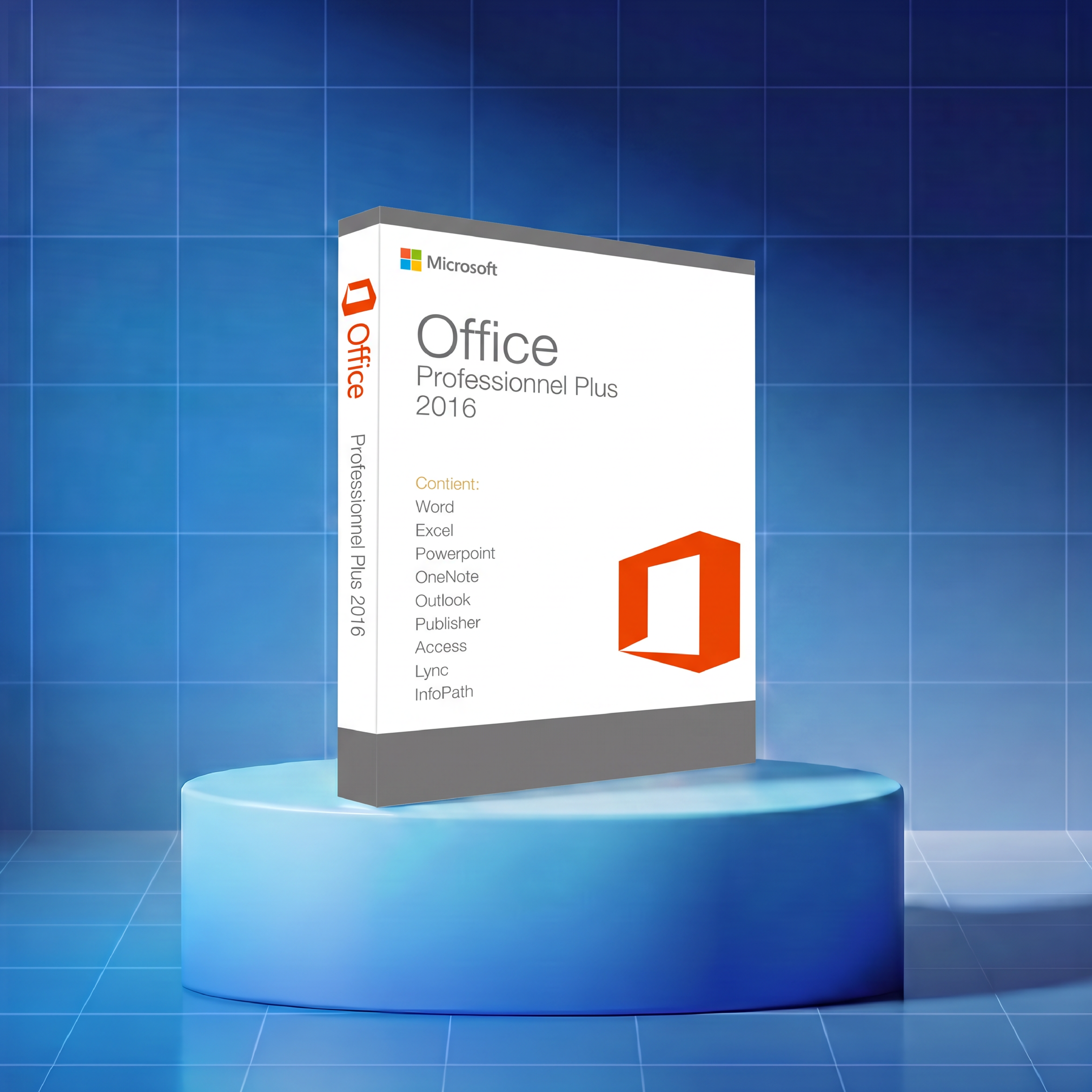
The Microsoft Office 2016 Professional Plus version is specifically designed for professional users with specific needs in terms of productivity and collaboration. It includes additional applications such as Access and Publisher, in addition to standard software like Word, Excel, and PowerPoint.
Why choose Office 2016 Professional Plus?
- Access to database tools with Access: Ideal for managing large amounts of data.
- Create professional content with Publisher: Create high-quality brochures, newsletters, and other printed documents.
- Enhanced security for businesses: Advanced security features protect your sensitive information.
Buying an Office 2016 Professional Plus key from Dalicenses allows you to access all these additional features, while benefiting from the expertise and support of our team.
How to change an already activated Office 2016 key?
It is sometimes necessary to change an Office 2016 key that has already been activated, for example, if you need to install a new version or if you are experiencing problems with the current license. Microsoft allows you to easily change the activation key via your software settings.
Steps to change your Office 2016 key
- Open an Office application: Launch a program from the suite, such as Word or Excel.
- Access account settings: Click "File," then "Account" in the menu.
- Change product key: Select "Change Product Key," then enter the new Office 2016 key you obtained from Dalicenses.
- Validate the new key: Follow the instructions to complete the process and activate the new license.
These simple steps allow you to continue using Microsoft Office 2016 without interruption, even after changing your license.
Retrieve your Office 2016 activation key
If you have already activated Office 2016 but have lost the activation key, there are solutions to retrieve it. It is essential to keep this key safe for any future reinstallation.
Methods to retrieve an Office 2016 activation key
- Via your Microsoft account: If you have associated your license with a Microsoft account, log in to retrieve your activation key.
- Use a key recovery software: Some programs allow you to extract the key directly from your system, provided the software is still installed on your computer.
- Check your emails: Look in your confirmation emails after purchasing the Office 2016 key from Dalicenses.
Keep in mind that the Office 2016 activation key is unique and must be kept in a safe place.
Why opt for an Office 2016 key in English?
Microsoft Office 2016 is available in several languages, and Dalicenses offers Office 2016 keys in English for English-speaking users. This ensures an optimal user experience, with all applications and interfaces in English.
Advantages of an English version
- Familiar interface: Facilitate your daily use with menus and options in English.
- Complete language support: Access technical assistance and documentation in English.
- Compatibility with local formats: Manage regional settings, such as date and currency, directly in your Office applications.
Whether you use Office 2016 for personal or professional use, an English version simplifies your life while maintaining your productivity.
Don't wait any longer, discover our offers and acquire your Office 2016 key today to fully enjoy the features of this essential suite.