

Remote Installation
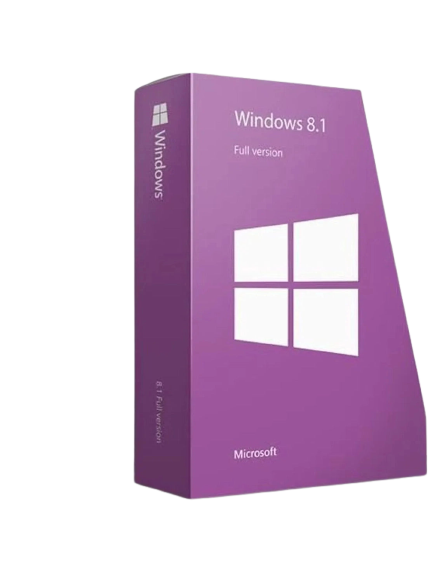
Windows 8.1 Home

• 1 official activation key (lifetime license - no subscription)
• Activation for 1 device
• Official download + installation guide
• Multilingual


Are you a professional?
Custom quote, tailored solutions and a free call to assist you.
Discover the pro spaceWindows 8.1 Home
| License duration | Lifetime access |
| Number of devices | 1 PC |
| Edition | Family |
| Language | Multilingual |
| Delivery | Instant delivery by email |
Microsoft Windows 8.1 Home Key – Official License
Windows 8.1 Home is a Microsoft operating system designed for home and family use, ideal for older computers or modest configurations. This home edition offers a smooth, stable experience, compatible with a wide range of software and devices. It is a reliable alternative for users looking for a simple, efficient, and proven system.
The proposed Windows 8.1 Home license allows for lifetime activation on a single device, with fast email delivery including the activation key, the official download link, and a detailed installation guide. The system is multilingual, compatible with PCs and tablets, and perfectly suited for daily use: web browsing, office work, multimedia, and common applications.
Thanks to its dynamic interface, Windows 8.1 Home offers an intuitive environment, with quick access to applications, the Windows Store, and Microsoft services. It remains a relevant solution for extending the life of a computer, especially when newer versions of Windows are not compatible.
Instant delivery by email
Buy Windows 8.1 Home at the lowest market price and receive immediately by email:
- A lifetime activation key for Windows 8.1 Home
- A download link for Windows 8.1 Home
- A complete installation and download guide
- The operating system in all languages
Your license purchase also includes:
- Technical assistance available 7 days a week to help you with the installation
- Invoice with 20% VAT (tax deductible if you are a company)
Also discover our other systems via the Windows keys collection or all versions dedicated to Windows 8.1.
For advanced needs, a professional version is available with Windows 8.1 Pro, while consumer editions are grouped in Windows Home.
📩 Delivery
- Sent immediately by email after payment confirmation.
- Digital product – no physical delivery.
⚖️ Legal information
In accordance with article L221-28 of the Consumer Code, digital products supplied immediately are not subject to the right of withdrawal.
✅ Functionality Guarantee
Your license is guaranteed to work upon activation.
In case of installation or activation issues, our technical support is available 7 days a week to assist you until the service is up and running.
ℹ️ This guarantee covers defects in the functionality of the provided key.
If you have any questions, you are always welcome to contact us. We'll get back to you as soon as possible, within 24 hours on weekdays.
-
Informations d'expédition
Use this text to answer questions in as much detail as possible for your customers.
-
Customer Support
Use this text to answer questions in as much detail as possible for your customers.
-
FAQs
Use this text to answer questions in as much detail as possible for your customers.
-
Contact Us
Use this text to answer questions in as much detail as possible for your customers.
Quick and easy installation after your order
Watch a video of the post-purchase steps: email reception, installation, and activation in just a few minutes.