Is your device ready for the challenges of 2026? With older versions losing support, upgrading to a robust system is a critical task. But faced with Microsoft's offerings, users often find themselves lost: Windows 11 Pro or Enterprise? And what about Windows 11 Education, that often overlooked gem that offers the same security and management solutions as the business sector?
Don't let poor configuration expose your internet connection or sensitive files. In this uncompromising comparison, we will explore every advantage: from code management with JavaScript in your Edge browser to advanced protection features like Device Guard.
Whether your use is focused on gaming, managing a mobile fleet, or deploying an LTSC version for long-term service, this guide is the ultimate help for choosing your access key to a secure environment. A single license, a single account, but infinite possibilities to help your organization reach its full potential.
Detailed Comparison: Windows 11 Pro vs Education vs Enterprise
| Features | Windows 11 Pro | Windows 11 Education | Windows 11 Enterprise |
| Fundamentals and Productivity | |||
| Device encryption with BitLocker | ✅ | ✅ | ✅ |
| Internet and network protection (Firewall) | ✅ | ✅ | ✅ |
| Parental controls and family protection | ✅ | ✅ | ✅ |
| Windows Hello (Biometrics and PIN) | ✅ | ✅ | ✅ |
| Secure search and Microsoft Edge | ✅ | ✅ | ✅ |
| Enterprise Management and Deployment | |||
| Domain Join (Active Directory / Azure AD) | ✅ | ✅ | ✅ |
| Group Policy Management (GPO) | ✅ | ✅ | ✅ |
| Kiosk mode configuration | ✅ | ✅ | ✅ |
| Microsoft Store for Business (private) | ✅ | ✅ | ✅ |
| Windows Update for Business | ✅ | ✅ | ✅ |
| Windows Autopilot ("Zero Touch" Deployment) | ✅ | ✅ | ✅ |
| Universal Print | ✅ | ✅ | ✅ |
| DirectAccess (VPN-less connection) | ❌ | ✅ | ✅ |
| BranchCache (Bandwidth Optimization) | ❌ | ✅ | ✅ |
| Windows To Go Creator | ❌ | ✅ | ✅ |
| Advanced Security and Data Protection | |||
| Windows Information Protection (WIP) | ✅ | ✅ | ✅ |
| Windows Defender Application Guard (WDAG) | ❌ | ✅ | ✅ |
| Microsoft Defender Application Control | ❌ | ✅ | ✅ |
| AppLocker (Blocking unauthorized applications) | ❌ | ✅ | ✅ |
| Credential Guard (Protection against credential theft) | ❌ | ✅ | ✅ |
| Virtualization-based security (VBS) | ✅ | ✅ | ✅ |
| Virtualization and Cloud | |||
| Hyper-V (Virtual Machines) | ✅ | ✅ | ✅ |
| Windows Sandbox (Isolated Environment) | ✅ | ✅ | ✅ |
| Remote Desktop | ✅ | ✅ | ✅ |
| Azure Virtual Desktop (Cloud Optimization) | ❌ | ✅ | ✅ |
| License Specifics | |||
| Removal of commercial content (Ads/Start) | ❌ | ✅ | ✅ |
| LTSC (Long Term Servicing) Usage Rights | ❌ | ❌ | ✅ |
| Upgrade from Home edition | ✅ | ✅ | ✅ |
Why choose Windows 11 instead of Windows 10 for these editions?
With Windows 10 support ending soon (October 2025), the question of migration becomes a priority for the security of educational and professional infrastructures.
Security: An impenetrable barrier
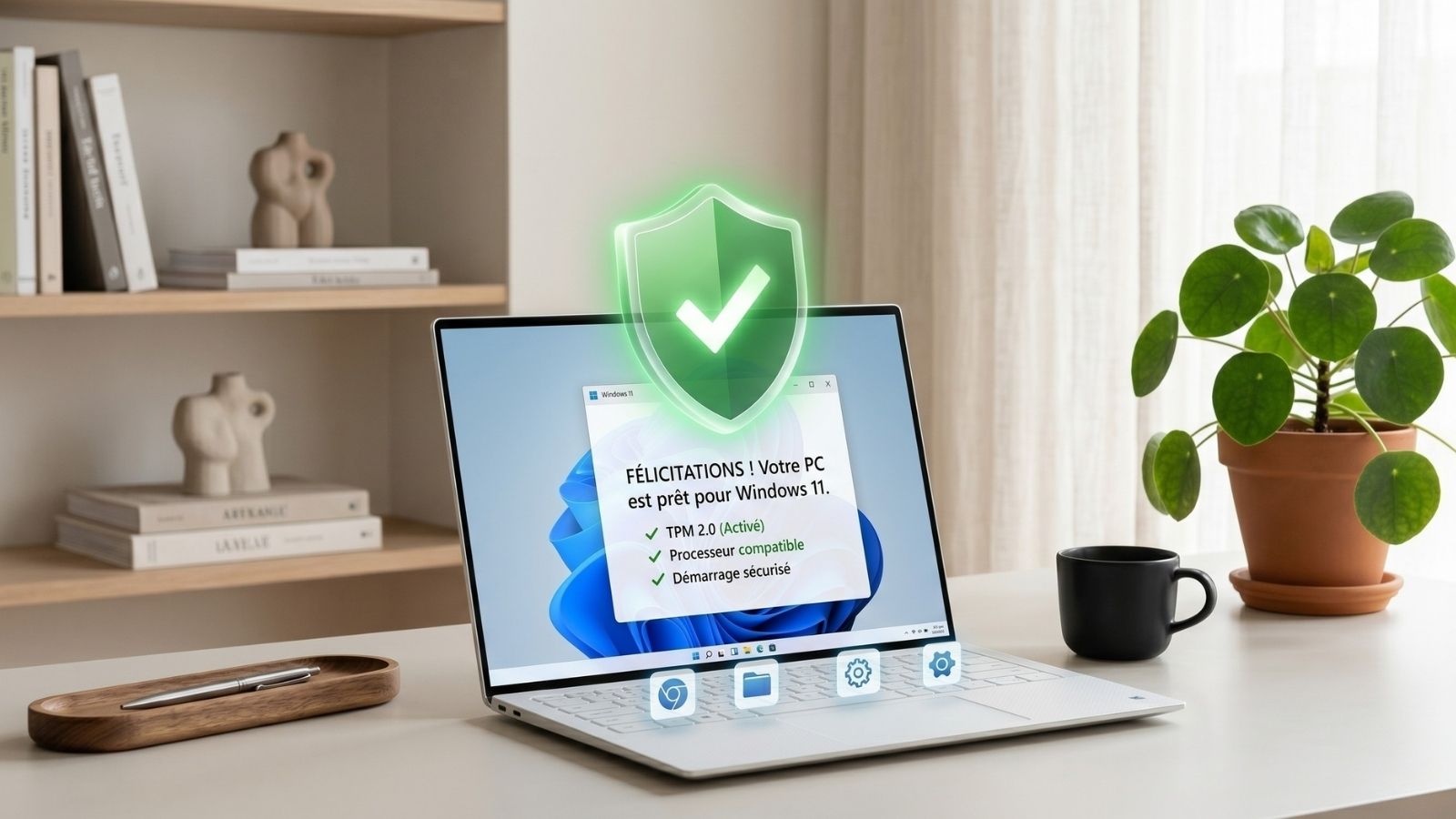
On Windows 11, security is no longer a software option but a hardware requirement. For the Education and Enterprise editions, mandatory activation of the TPM 2.0 chip and Secure Boot ensures that the system has not been tampered with even before it starts. Unlike Windows 10, Windows 11 uses kernel isolation by default to protect employee or student passwords.
Simplified fleet management
Windows 11 was designed for hybrid work and remote learning. Thanks to Windows Autopilot, an administrator can send a new, sealed PC to an employee or student; as soon as they turn it on and connect to Wi-Fi, the Pro version automatically transforms into an Enterprise or Education version with all pre-configured applications and security policies.
Performance and Ergonomics
The Enterprise and Education versions of Windows 11 are smoother than their Windows 10 counterparts. Memory management has been reviewed to prioritize active applications, even on machines stressed by numerous background tasks (antivirus, management agents, telemetry).