

How to buy or find an activation key for Microsoft Office 2016?
Buying or recovering your Office 2016 key can sometimes be complicated. The activation key is essential to unlock all the features of your Microsoft Office 2016 suite, and without it, you risk being limited in the use of your applications.
Whether you're looking for a key for a new installation or you've simply lost your valuable key, there are solutions to buy or find your Office 2016 activation key. In this article, we will guide you through the different steps to acquire or find your key with ease.
What is an Office 2016 key and why is it essential?
The Office 2016 activation key is a unique 25-alphanumeric character code that allows you to validate your purchase and activate your Microsoft Office 2016 suite. Without this key, even if you have installed Office, you will not be able to access all its features.
It guarantees that your version of Office is legitimate and ensures you get the necessary updates and technical support.
How to buy an Office 2016 key online?
If you don't have a key yet or need to buy a new one, the safest option is to buy an official license from a reliable site like DA Licences. You will find authentic Microsoft licenses with immediate activation.
Why buy from DA Licences?
- ✅ Official and authentic licenses
- ✅ Immediate activation after purchase
- ✅ Competitive prices
- ✅ Responsive customer support
How to find a lost Office 2016 key?
If you have already installed Office 2016 on your computer but cannot find your activation key, here are several solutions:
-
Check the purchase confirmation email
Look for an email from Microsoft or the site where you purchased your license. -
Retrieve your key via your Microsoft account
Log in to your Microsoft account and go to the "Order History" tab.
Use the command prompt to find an Office 2016 key
If your key is not in your emails or your Microsoft account, you can try this method:
- Open the Command Prompt in administrator mode.
- Copy and paste the following command:
-
Office 32-bit on Windows 32-bit:
cscript "C:\Program Files\Microsoft Office\Office16\OSPP.VBS" /dstatus -
Office 32-bit on Windows 64-bit:
cscript "C:\Program Files (x86)\Microsoft Office\Office16\OSPP.VBS" /dstatus -
Office 64-bit on Windows 64-bit:
cscript "C:\Program Files\Microsoft Office\Office16\OSPP.VBS" /dstatus
Use third-party software to recover your Office 2016 key
If the previous methods do not work, you can use software such as ProduKey or Cocosenor Product Key Tuner. These tools scan your system and retrieve your product key.
How to activate your Office 2016 key?
Once your key is found or purchased, here's how to activate Microsoft Office 2016:
-
Open an Office application
Launch Word, Excel, or PowerPoint. -
Enter your key
An activation window will appear, enter your Office 2016 activation key. -
Finalize activation
Click "Activate" and enjoy all the features.
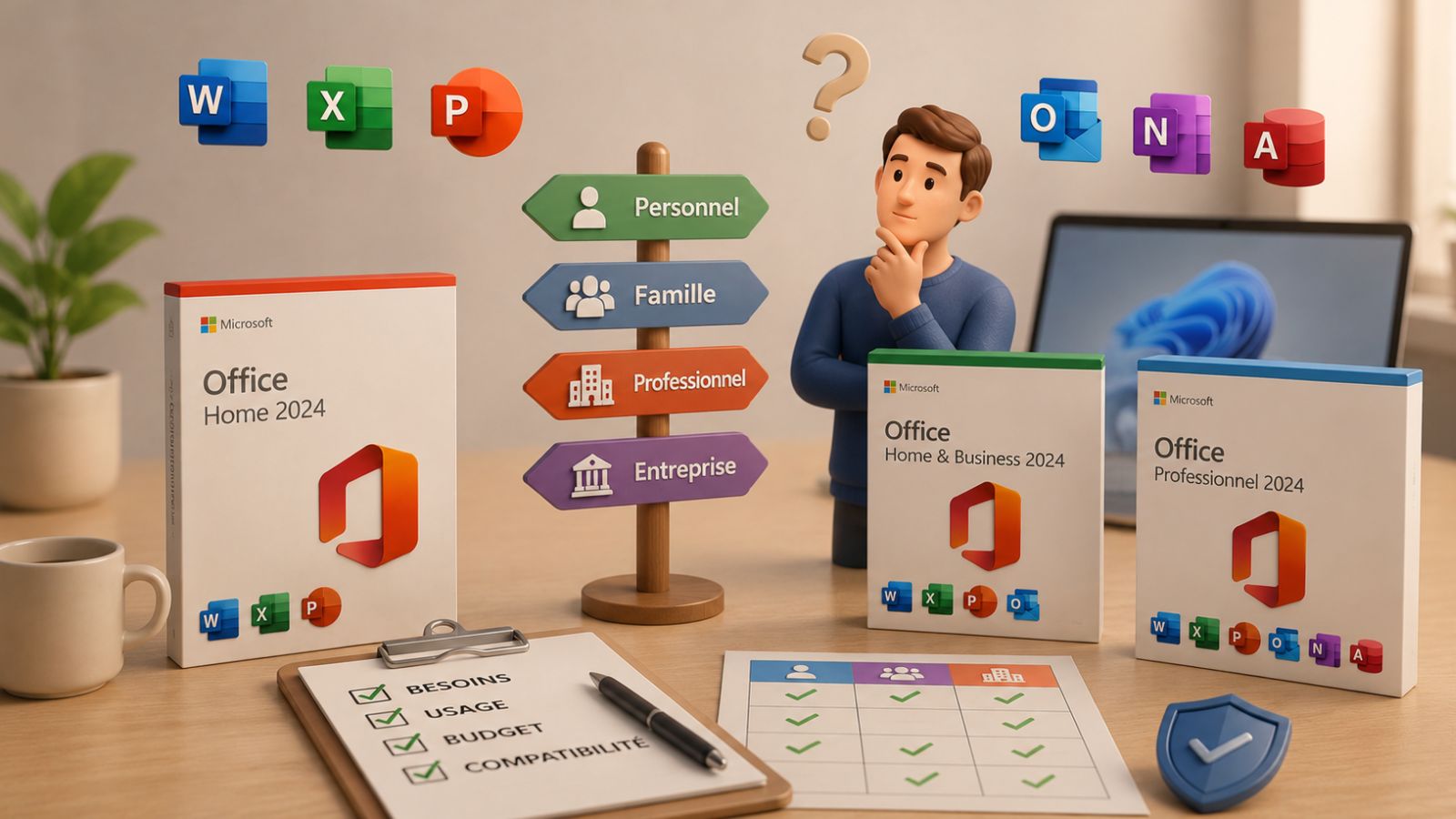
Which version of Microsoft Office 2016 to choose?
Hesitating between several versions? Here are the ones available on DA Licences:
- ✔ Microsoft Office 2016 Professional Plus – The most complete version.
- ✔ Microsoft Office 2016 Home and Student – Perfect for personal use.
- ✔ Microsoft Office 2016 Home and Business – Ideal for freelancers and small businesses.
Conclusion
Finding or buying an Office 2016 key can seem complicated, but by following these different methods, you should be able to solve this problem quickly.
Need a new official and secure key? Buy your Office 2016 license now on DA Licences and enjoy immediate activation!


Genuine Microsoft License: Comparing OEM, Retail, and Volume
Install and download Office for Mac: Complete guide