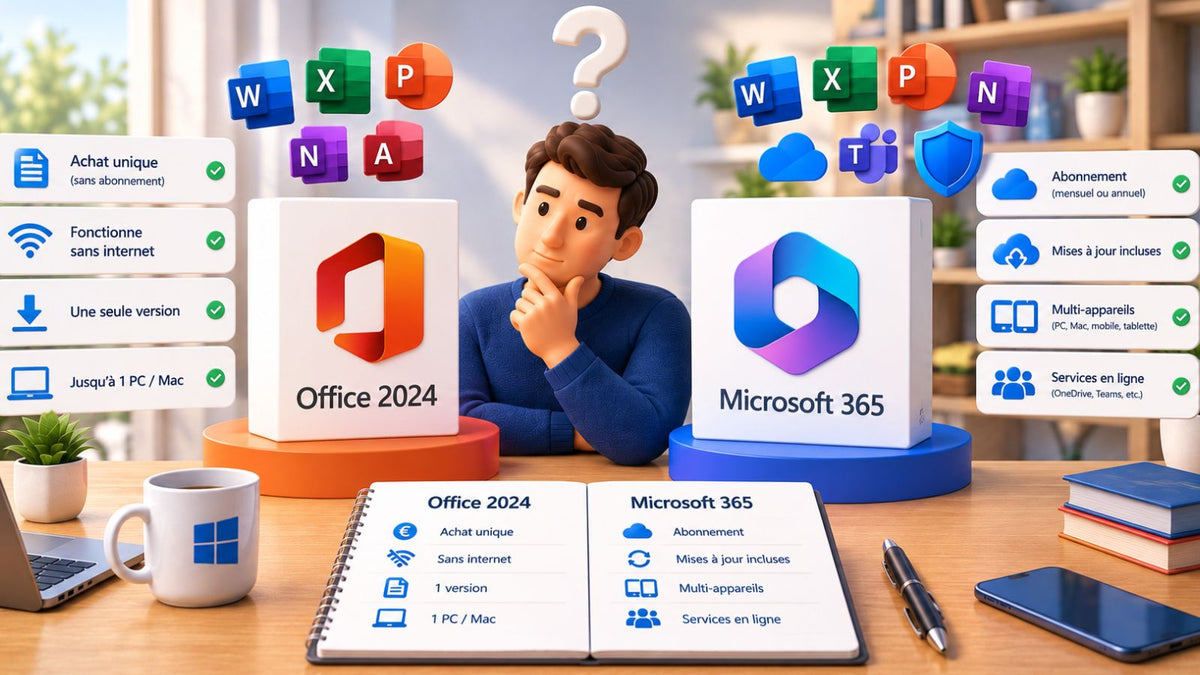
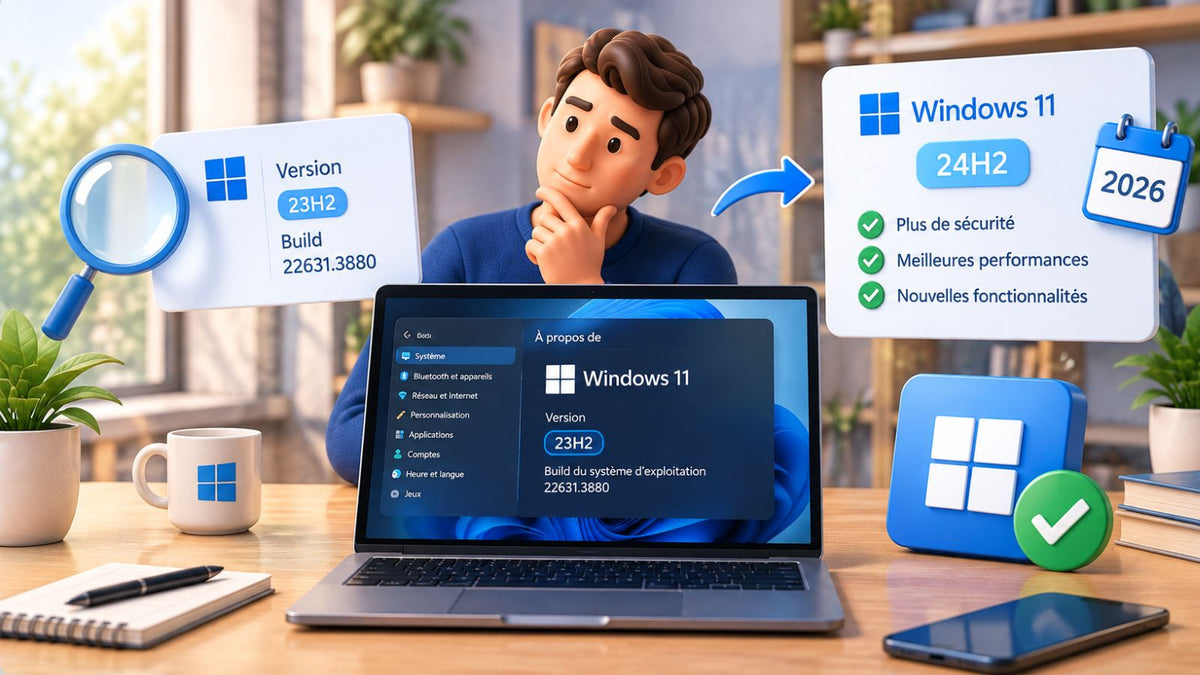
Switching from a PC to a Mac, or simply wanting to use Word and Excel on your MacBook, can sometimes seem complex. Between file formats and activation errors, many users find themselves stuck with "read-only" software.
This guide is here to walk you through how to enjoy your Microsoft Office for Mac suite in just a few minutes.
Before You Start: Check if Your Mac is Ready
To avoid any crashes during installation, a quick check is necessary. Microsoft is quite strict about the compatibility of its software with Apple's system.
Is your Mac compatible with the chosen version?
The Last 3 macOS Versions: Microsoft's Golden Rule
Microsoft officially supports only the three most recent major versions of macOS (currently macOS Sequoia, Sonoma, and Ventura). If your Mac is older, you may need to opt for a specific version like Office 2019 Mac or even Office 2016 Mac to ensure complete stability.
Intel Chip or Apple Silicon (M1/M2/M3): Is a special version required?
Good news: recent versions like Office 2024 Mac are "Universal." They run natively on older Intel Macs and on newer models equipped with M1, M2, or M3 chips without any adjustments needed on your part.

How to Install and Activate Microsoft Office on Mac?
If you're a Mac user looking to install Microsoft Office for Mac, you've come to the right place. Whether for professional, academic, or personal use, Office for Mac remains an essential office suite. With popular applications like Word, Excel, and PowerPoint, this pack is perfectly optimized for macOS.
How to Download Microsoft Office for Mac?
Before installing Microsoft Office for Mac, here are the available options:
-
Office Pack for Mac with Perpetual License
For a subscription-free solution, purchase an Office 2021 license for Mac. After purchase, you will receive an activation key and a download link. -
Office Pack for Mac for Students
Microsoft offers student discounts through the Office 365 Education program. Check your institution's eligibility before purchasing.
Step-by-Step Installation of Office on Mac
Follow these steps to install Microsoft Office 2021 on Mac:
-
Access the downloaded file
Open Finder, go to the Downloads folder, and double-click on Microsoft Office installer.pkg. -
Start the installation
Click Continue and accept the terms and conditions. -
Choose which applications to install
You can select only the necessary software, such as Word, Excel, or PowerPoint. -
Finalize the installation
Enter your Mac's administrator password and follow the instructions until the installation is complete.
Activating Microsoft Office on Mac to finally get to work
This is often where things get tricky. Installation isn't enough: you need to prove to the software that you have a valid license.
How to validate your license on the first try?
Signing in with your account: The simplest method
Open any application (e.g., Word). A welcome window will appear. Click on "Sign In" and use the email address associated with your purchase. For perpetual versions like Office 2021 Mac, your license is automatically recognized and linked to your computer.
What to do if the activation wizard doesn't recognize your key?
If the wizard loops or shows an error, first check that you don't have an old trial version (Office 365) lingering on your system. If so, it can conflict with your new perpetual license. Restarting your Mac after the initial login also resolves 90% of minor recognition issues.

Which version of Microsoft Office for Mac to choose?
Here are the available Office versions for Mac:
- ✔ Microsoft Office 2021 Home & Business for Mac – Full version, one-time purchase.
- ✔ Microsoft Office 2019 Home & Business for Mac – A more affordable alternative.
"SOS": What to do if activation fails on Mac?
Sometimes macOS "remembers" old licenses or blocks access to Microsoft servers. Here's how to resolve the situation without losing your documents.
"No License Found": The Trick to Cleaning Up Old Files
Using Microsoft's License Removal Tool (LRT)
If you had a trial version or an old subscription, Word might remain stuck. Microsoft offers a small official utility called "License Removal Tool". Run it: it will clean up invisible traces of your old licenses. Then restart your Mac and reconnect to your Office 2024 Mac.
Clear the Keychain to resolve the situation
The Keychain is where Apple stores your passwords. Sometimes, corruption of this data prevents activation.
-
Go to Applications > Utilities > Keychain Access.
-
Search for "Microsoft" and delete all entries related to "Office" or "Identity."
-
Relaunch Word, and activation will proceed as if it were the first time.
Word remains "Read-only"? Check these 2 settings
If you can open your files but not modify them, check that your Mac is connected to the internet during the first opening. Also, make sure you haven't exceeded the number of authorized installations for your Office 2021 Mac.

Get your Office for Mac license at the best price with DA Licences
Looking to buy Microsoft Office for Mac at a reduced price? DA Licences offers official licenses with immediate activation.
Why choose DA Licences?
- ✅ Official and authentic licenses.
- ✅ Immediate activation after purchase.
- ✅ Responsive customer support for any assistance.
Need help? Contact us, our team will be happy to assist you!