Pro Space

Microsoft has established itself as a leader in office software with Microsoft Office, an essential suite of productivity tools. Whether you're a student, professional, or individual, choosing the right Office package can be complex.

Our guide will help you understand the differences between Office 2021, Office 2019, and Office 2016, as well as the Microsoft 365 subscription, to choose the best option for your needs.

Microsoft Office vs Microsoft 365: What's the difference?

Perpetual license vs subscription

Microsoft Office is available as a perpetual license: a one-time purchase that allows you to keep your software for life.

Conversely, Microsoft 365 operates on a monthly or annual subscription model, offering continuous updates and cloud storage (1 TB on OneDrive).

Microsoft 365: a cloud solution

Microsoft 365 is a highly connected suite that requires an internet connection to fully utilize its features. Its main advantage is real-time collaboration via the cloud.

In contrast, a classic Office license allows you to work offline without needing an internet connection.

Which version of Office should you choose?

Office 2021, 2019 or 2016?

Microsoft regularly releases new versions of Microsoft Office. Each update brings new features and extends technical support.

⚠️ Pay attention to end-of-support dates:

If you want to benefit from the latest features and extended support, we recommend opting for Office 2021.

Office Editions Comparison

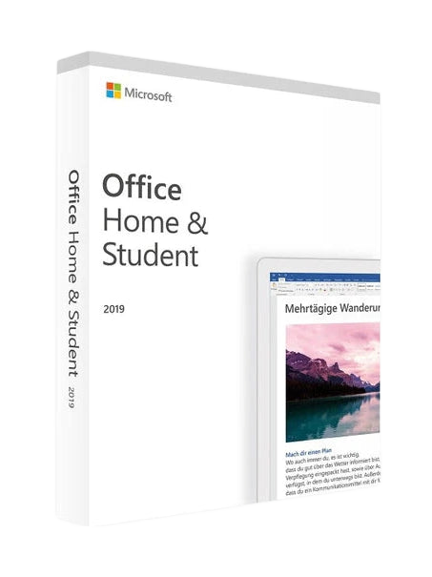
Office Home & Student

Ideal for individuals and students, this pack includes:

  • Word
  • Excel
  • PowerPoint

✅ Available for Office 2019 and Office 2021.

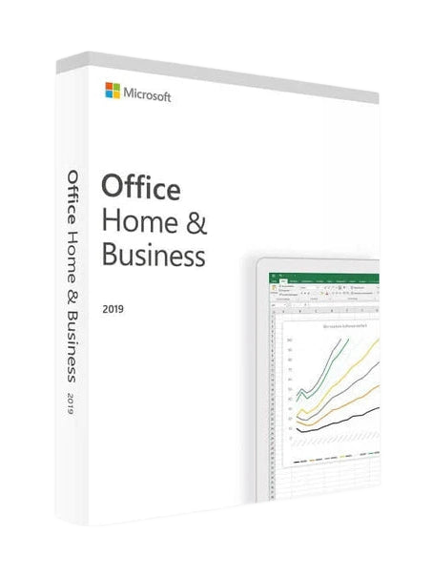
Office Home & Business

Suitable for freelancers and small businesses, adding Outlook for email management.

✅ Available for Office 2019 and Office 2021.

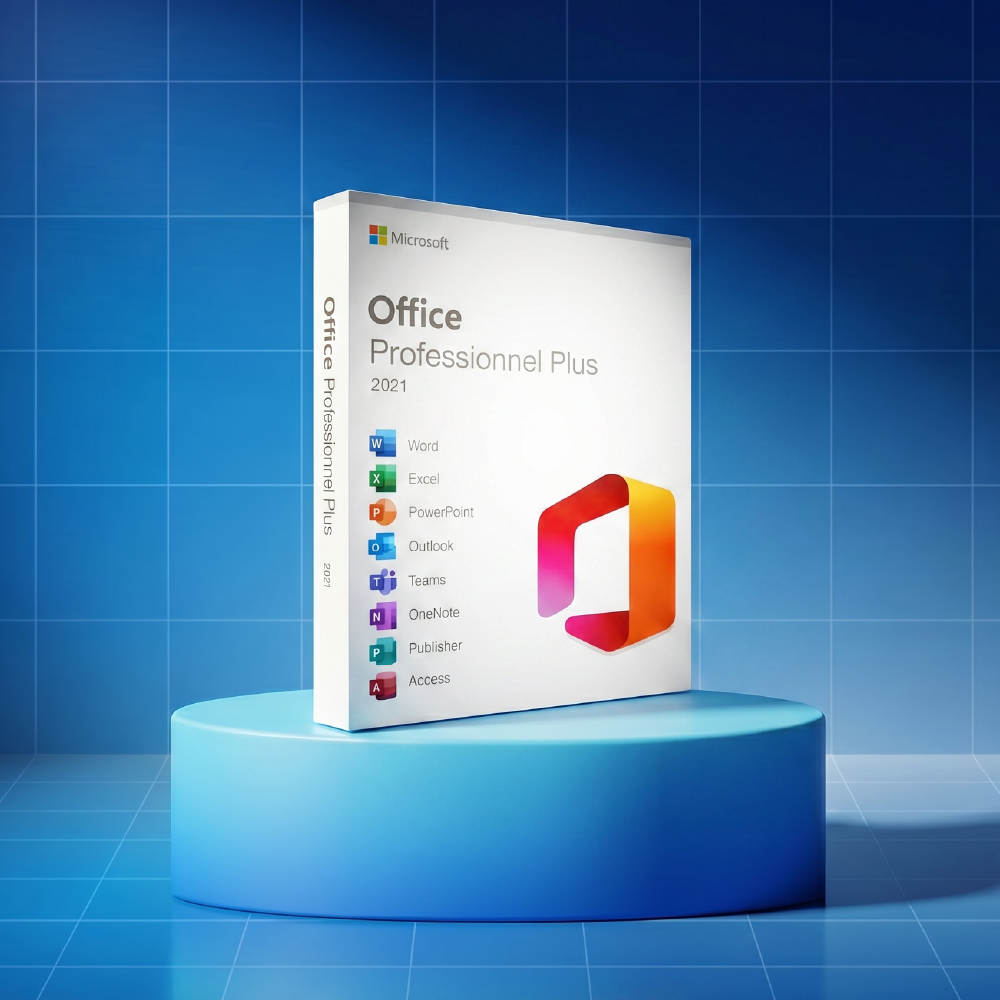
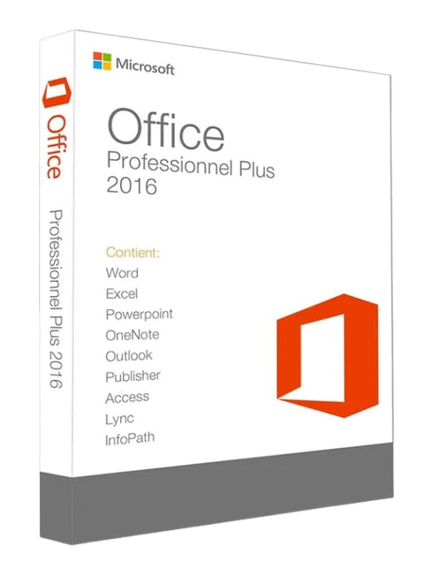
Office Professional & Pro Plus

Aimed at businesses, this pack includes:

  • Word, Excel, PowerPoint
  • Outlook
  • Publisher and Access
  • Microsoft Teams

✅ Available for Office 2021 Pro Plus.

Compatibility with your operating system

Before purchasing a license, make sure it is compatible with your system:

Key questions to ask yourself

  • Do I need frequent updates? (If yes, choose Microsoft 365)
  • Which Microsoft software do I really need?
  • Do I prefer an online or offline solution?
  • How many users will use Office?
  • Is my operating system compatible with the version I want to buy?

Conclusion

Whether you choose a Microsoft Office lifetime license or a Microsoft 365 subscription, it is essential to identify your needs to make the right choice.

Ready to take action? Check out our catalog to buy your Office license at the best price! 🚀

Need personalized advice? Contact the DA Licences team, we are here to help you!
All your questions to choose the best Office suite

Which Office suite to choose depending on your personal or professional use?

Choosing the right Office suite primarily depends on your usage. For a personal user who needs basic office tools like Excel, PowerPoint, or a word processor, Microsoft 365 Personal is the best option. It offers a complete suite at an affordable price, with a monthly or annual subscription and included OneDrive cloud storage.

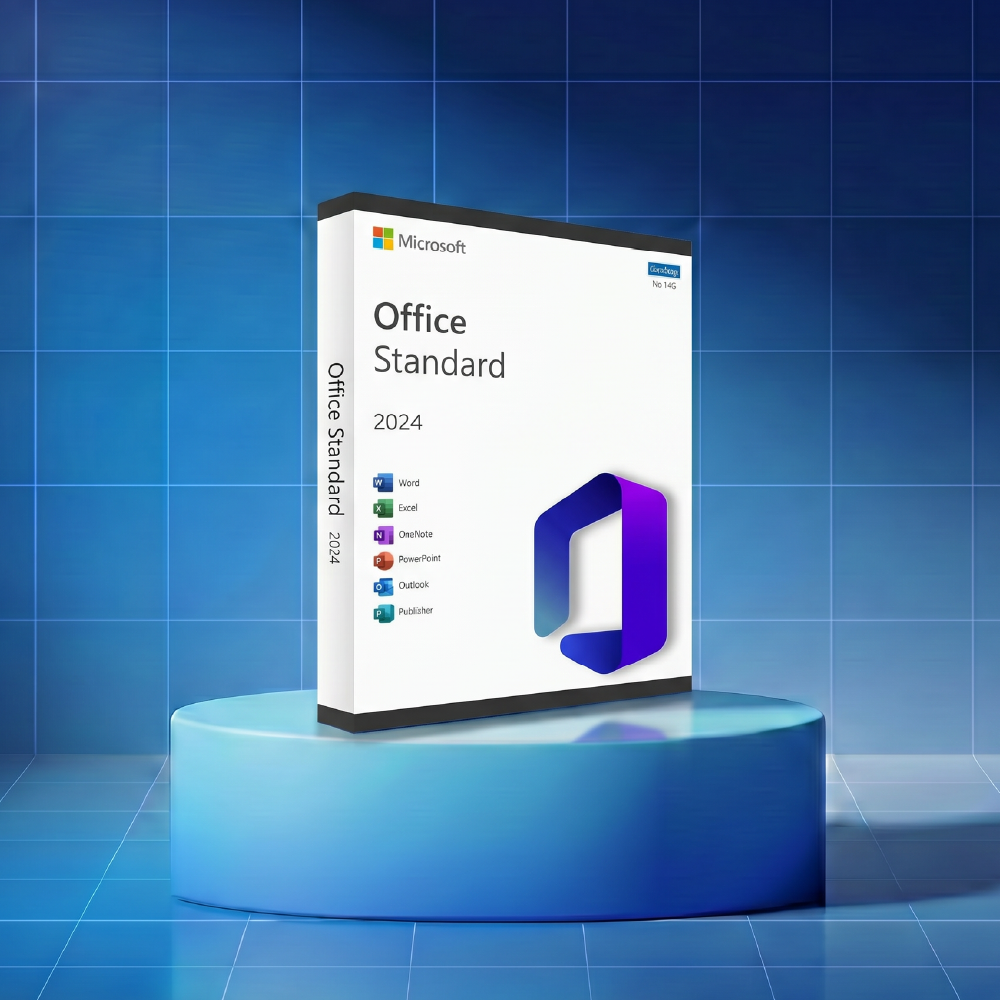
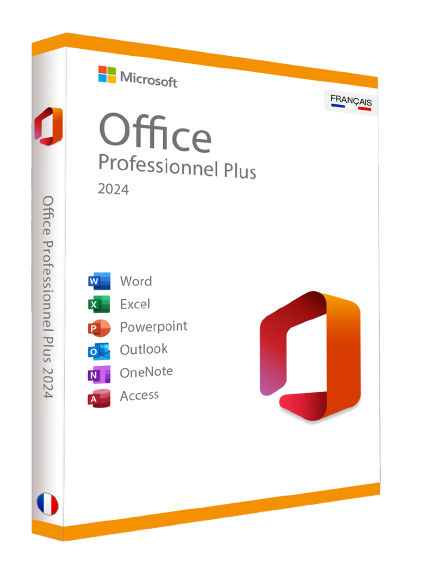
For a small business or professional use, Microsoft 365 Business or Office 2024 Pro offer advanced features like Outlook, Teams, and real-time collaboration. If you prefer a one-time purchase without a subscription, Office 2024 provides a perpetual license activated worldwide, with no recurring fees.

Our advice: compare offers based on the number of devices, your budget, and your cloud storage needs before purchasing.

Which Office suite to choose for Windows 11?

Windows 11 is the latest operating system from Microsoft and is fully compatible with the newest version of the Office suite.

For optimal use, Microsoft 365 is the best choice. It benefits from regular updates, full Windows 11 compatibility, and includes new features such as Copilot, Microsoft’s AI assistant.

If you prefer a one-time purchase with no subscription, Office 2024 (available in 32-bit or 64-bit versions) is perfectly compatible with Windows 11 and offers lifetime activation via a product key. You will receive an official download link and installation guide to set up your software in just a few minutes.

Note: Office 2019 and Office 2016 are also compatible with Windows 11, but their support will gradually be phased out. Choosing a newer version ensures better long-term support and performance.

Which Office pack to choose for Windows 10?

Windows 10 remains one of the most widely used operating systems in France. Good news: the Microsoft Office suite is fully compatible. You have a choice of several offers depending on your budget and needs.

Microsoft 365 is recommended for users who need automatic updates, OneDrive cloud storage, and access to the latest features like Copilot. The monthly or annual subscription includes Excel, PowerPoint, Outlook, and OneDrive.

For a one-time purchase, Office 2024 or Office 2019 offer a perpetual license compatible with Windows 10, without a subscription. You receive an activation key and activation instructions to install your software quickly. These licenses remain a reliable and economical solution for users who need a complete office suite without monthly fees.

How many users can share one Microsoft 365 Family subscription?

Does Microsoft 365 include antivirus and regular security updates?

Yes. The Microsoft 365 subscription includes Microsoft Defender, a comprehensive security solution that acts as an antivirus and protects your files, account, and personal data. This protection is available on all your compatible Windows and Mac devices.

In addition to security, Microsoft 365 offers regular and automatic updates, ensuring you always use the latest version of the office software at no extra cost. This is one of the major advantages of a subscription over a perpetual license like Office 2024, which does not receive new features after purchase.

Microsoft is also committed to a clear and GDPR-compliant privacy policy for users in France, ensuring the protection of your documents and data stored in OneDrive cloud. For any technical questions, Microsoft support is available online and responsive to help you quickly.

Is it legal to buy an Office license from an unofficial reseller or partner?

Yes, it is perfectly legal. Buying a Microsoft Office license from an unofficial reseller is a common and perfectly legal practice, provided that the activation key is an official Microsoft key, originating from a legitimate distribution channel.

European legislation clearly regulates the resale of software licenses. A reseller can legally offer Office licenses at a reduced price, as long as the keys sold are authentic and activatable on the official Microsoft website. Therefore, it is not the reseller who determines the legality of the product, but rather the origin and authenticity of the license.

How to ensure you are buying from a reliable site? Here are our tips:

  • Check customer reviews: consult reviews left on independent and reliable platforms. Real, recent, and detailed reviews are the best indicator of a reseller's reliability.
  • Check site information: a reputable reseller clearly displays their legal notices, terms of sale, refund policy, and contact details.
  • Test support: a reliable site has responsive customer service, capable of helping you with installation or activation issues.
  • Verify the delivery process: on a reputable site, you quickly receive your activation key, an official download link, and a clear and complete activation instruction guide.

Our site meets all these criteria. We exclusively offer official Microsoft licenses, activatable worldwide, with technical support available to assist you from purchase to installation. Our customer reviews are verified and transparent, because your trust is our priority.

Buying an Office license at a reduced price from a trusted reseller means choosing a legal, secure, and economical purchase.

Our other articles

View all

Est-ce obligatoire d'avoir Microsoft 365

Est-ce obligatoire d'avoir Microsoft 365 ? La réponse claire en 2026
Non. Microsoft 365 n'est pas obligatoire pour utiliser Word, Excel ou PowerPoint. La grande majorité des utilisateurs peuvent se passer de l'abonnement en optant pour une licence Office perpétuelle, activée une fois, valable à vie, sans mensualité. Microsoft 365 apporte des...

Read more

Qu'est-ce que le Pack Office Microsoft ?

Qu'est-ce que le Pack Office Microsoft ? Applications, éditions et différences expliquées
Le Pack Office Microsoft est la suite bureautique la plus utilisée au monde. Elle regroupe un ensemble de logiciels Microsoft conçus pour la rédaction, les calculs, les présentations, la messagerie et bien d'autres usages professionnels et personnels. En 2026, deux modèles...

Read more

PC compatible Windows 11 : comment vérifier en 2026 ?

Comment vérifier si son PC est compatible avec Windows 11 et que faire ensuite
Depuis octobre 2025, Microsoft a officiellement mis fin au support de Windows 10. Aucun correctif de sécurité, aucune mise à jour, aucune assistance technique. Des millions d'utilisateurs se retrouvent face à la même question : mon ordinateur peut-il passer à Windows...

Read more