

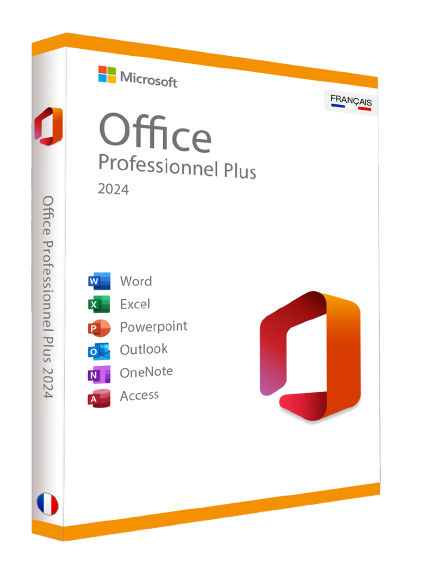
Microsoft Office 2024 Professional Plus Key
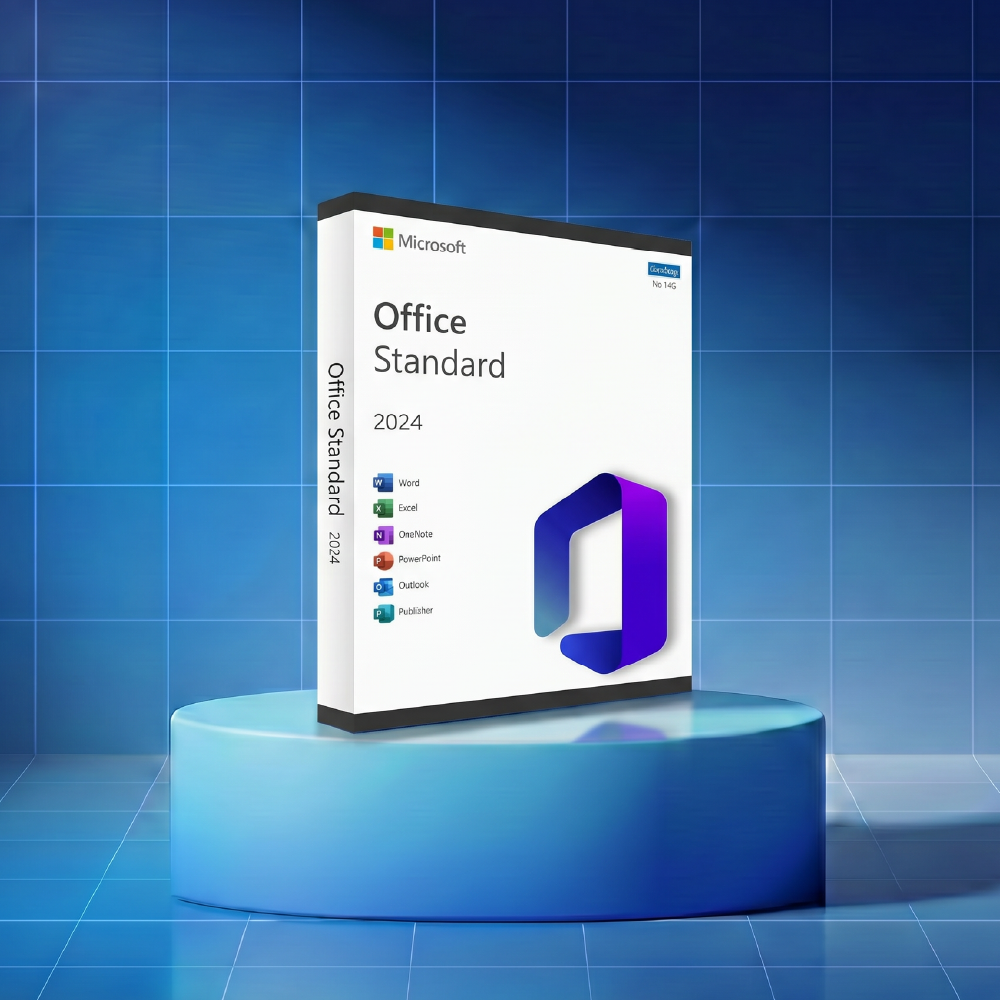
Microsoft Office 2024 Standard Key
Why choose Microsoft Office 2024 over Microsoft 365?
The subscription-free model: A license for life
Unlike Office 365, Office 2024 is based on a perpetual license model. This means that after your online purchase, the software is yours forever. There are no hidden fees or monthly subscription renewals.
This is the ideal option for those who want stable use without depending on the Cloud or a permanent internet connection.
If you haven't made the switch yet, you can compare with our offers on Office 2021 to see the price evolution.
5-Year Cost Comparison: Save up to 70%
The base price of a subscription-based office suite can quickly become a financial black hole for a small business.
By opting for a one-time product key, you eliminate the recurring cost. Over a 5-year period, the savings are massive, as you only pay once for an official license.
Office 2024 Standard vs. Professional Plus: Which version to choose?
Your choice of office license depends on your needs. The Office 2024 Standard version includes the essentials (Word, Excel, PowerPoint, and OneNote), while the Professional Plus (Pro) version adds advanced tools such as Outlook, Access, and Publisher for comprehensive professional use.
System requirements and compatibility
Use Office 2024 on Windows 10 and Windows 11
This new edition is designed to take full advantage of Microsoft Windows capabilities. Whether you're on an older machine or looking for the best Office suite for Windows 11, the user experience is seamless. Software compatibility is ensured on 64-bit versions of the system.
Installation on Mac: Specifics of the Home & Business Version
Macintosh users are not left out. For Apple computer owners, we offer specific versions. If you have any doubts about what to do, consult our guide to installing the Office suite on Mac.
New features in the 2024 version
The integration of AI and advanced assistance
Although Office 2024 is a classic version, it now integrates co-authoring features and a modernized user interface inspired by the LTSC version.
The Excel application benefits from new search functions and PowerPoint from improved presentation capabilities.
Performance improvements in Word, Excel, and PowerPoint
The 2024 update focuses on the speed of data processing. File loading is faster, and local storage management is optimized, which meets the expectations of companies processing large volumes of information.
How to buy and install your Office 2024 key?
Order and immediate receipt by email
Once your product is selected, the purchase is instantaneous. After clicking on add to cart, the payment process is secure.
You will receive by email the delivery contents: your product key and the download link to the official Microsoft website.
Step-by-Step Guide: From Download to Activation
The installation is a breeze. Simply download the installation file, open it, and follow the instructions. For an older version like Office 2019, the procedure remains similar and very intuitive.
How to activate Office on PC and Mac via your Microsoft account
To activate Microsoft Office, sign in to your Microsoft account. Enter your code and your license will be automatically bound to your ID.
In case of a technical problem, our support team is available for phone activation or remote assistance.
Why is a perpetual license more environmentally friendly and secure?
A reduced carbon footprint compared to the Cloud
Unlike Office 365, using a local version like Office 2024 limits constant data exchanges with data centers.
By avoiding permanent storage on OneDrive for every file modification, you reduce the energy consumption associated with servers. This is a concrete option for companies concerned about their carbon footprint.
Digital independence: Work without an internet connection
One of the greatest advantages of this edition is that it works without a mandatory connection. Your software does not depend on the status of the publisher's servers.
For a professional on the go or a company handling sensitive data, this autonomy guarantees security and uninterrupted productivity.
The Legality of the Secondary Market: The ECJ Ruling
It is perfectly legal to purchase a license at a reduced price. Thanks to European case law, license transfer is permitted, which allows us, as a trusted reseller, to offer you an official license at an unbeatable price.
You thus benefit from a Premium product while remaining within the legal framework.
Frequently Asked Questions (FAQ) about Office Suite 2024
What is the price of Microsoft Office 2024?
The base price varies depending on the edition (Standard or Pro), but it remains much more advantageous than an annual subscription. At Da Licences, our Office 2024 packs start from €27.99.
Check our catalog to see the current add-to-cart price, often including exceptional sales.
How to Download and Activate Microsoft Office 2024?
After your purchase, you receive a direct download link. To activate Microsoft Office, use the provided product key and sign in to your Microsoft account.
This is a fast and official phone or online activation.
What is the difference between Office 2024 and older versions?
The 2024 latest version offers a better interface and increased compatibility with the newest systems.
If you are still using Office 2016 or Office 2013, upgrading to 2024 is a major update for your comfort and security.
Does Office 2024 include alternatives like OpenOffice?
No, Microsoft Office is the original office suite.
While there are alternatives like LibreOffice or OpenOffice, they do not offer the same word processing experience or computing power as Microsoft Excel.
Is Office 2024 compatible with Windows and Mac?
Yes, the suite is fully compatible with Microsoft Windows and Apple environments. Whether you choose the Office 2024 Standard or Office 2024 Pro edition, installation is guaranteed on Windows 10 and Windows 11 systems.
For Macintosh users, this version is perfectly suited to your modern computer or device, provided you have an up-to-date operating system to support Microsoft's latest software architecture.
What are the reviews of Microsoft Office 2024?
Every Microsoft review left by our customers highlights a seamless user experience and overall high satisfaction.
Users particularly appreciate the quick activation and software stability.
One recurring feedback or customer comment is the positive evaluation of productivity gains.
Every testimonial and recommendation published on our site is a useful review confirming that this suite is the best solution to avoid monthly subscriptions.
How to download Microsoft Office 2024?
To download and install Microsoft Office 2024, the process is instantaneous after your purchase. You will receive a direct download link via email to install Microsoft 365 or Office 2024, depending on your choice.
The delivery content also includes a detailed guide and precise instructions for successful installation.
This support service remains available at all times to ensure rapid access and error-free updates for your office suite.
To complete your installation, don't forget to protect your operating system. Discover our offers on Microsoft licenses and find the ideal Office pack for Windows 11 for your hardware.
If you have older hardware, our Office 2010 collections remain available in stock.
Microsoft Office 2024 Review: What Our Customers Are Saying
Our customers' satisfaction is our priority. Every comment and testimonial published on our page confirms the simplicity of the activation process.
One user states: "Quick email reception, installation done in 10 minutes on my computer, I highly recommend this offer."
- Choosing a selection results in a full page refresh.
- Opens in a new window.