Office 2021 vs 2024: Which Version Should You Choose in 2026?
Choosing an office suite is a strategic decision for any business or freelancer. While Microsoft is increasingly promoting subscription-based solutions, many users still prefer a one-time purchase to save money in the long run. Between Office 2021 and the latest Office 2024, the difference goes beyond just a version number—it’s about performance, security, and compatibility.
Key Differences at a Glance
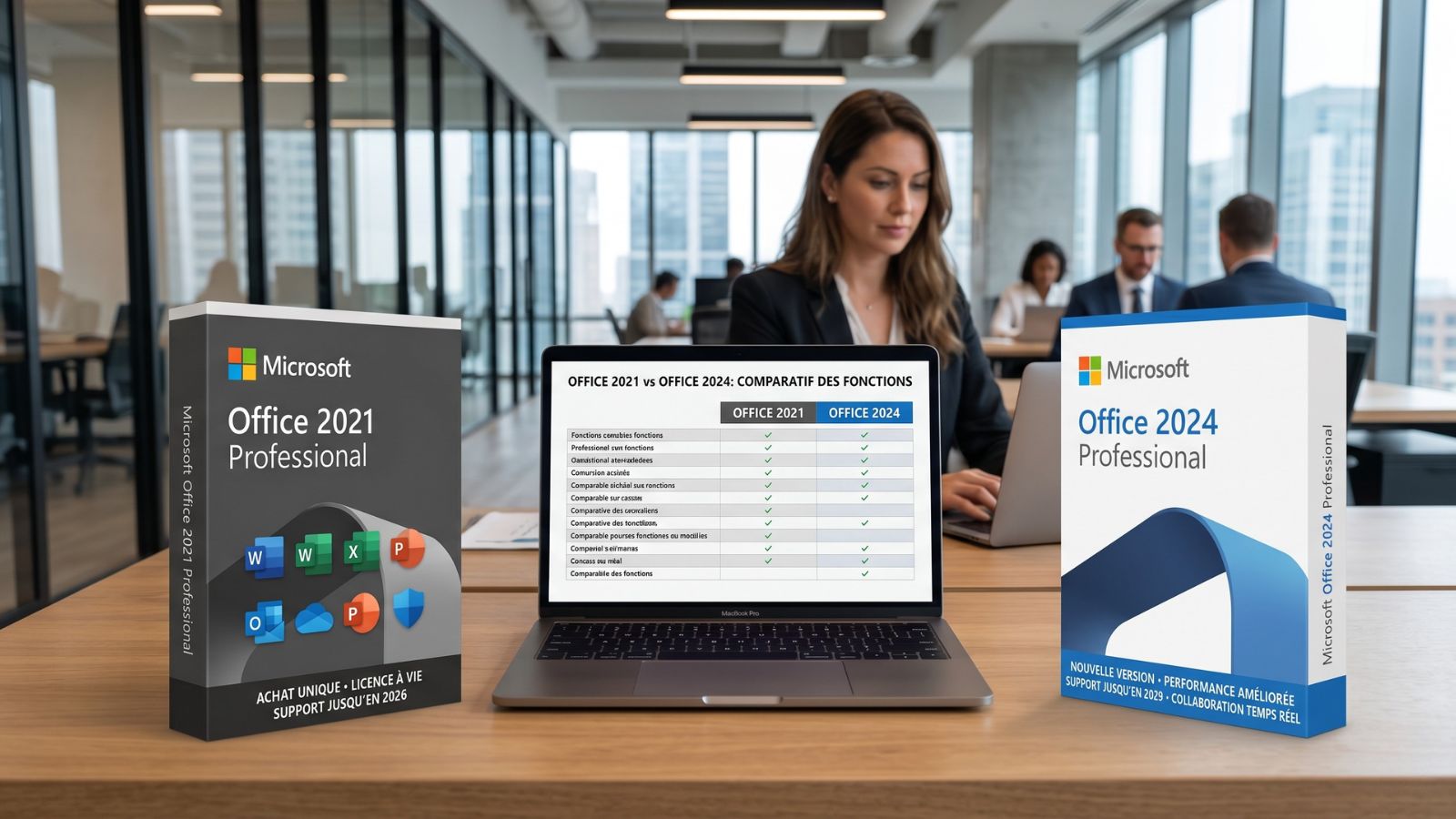
If you’re looking for reliable software without recurring fees, both versions offer a perpetual license. However, Office 2024 provides better integration with modern operating systems like Windows 11 and macOS Sequoia. The main difference lies in the duration of technical support and security updates, which is significantly longer for the newer version.
User Profiles: Which One Is Right for You?
Office 2021: The Budget-Friendly, Stable Choice
Microsoft Office 2021 remains ideal for tight budgets. It’s a stable version offering all essential features (Excel, Word, PowerPoint). If your needs are limited to standard document creation and file management, this one-time purchase delivers excellent value for money.
Office 2024: Performance & Longevity
Choosing Microsoft Office 2024 is the best option for users who want the latest innovations without switching to Microsoft 365. With a smoother interface and improved real-time collaboration tools, it’s the most modern Office version—perfect for small businesses aiming to boost productivity.
A Modernized Interface with Fluent Design
More Than a Redesign: Reduced Eye Strain
The latest version features a cleaner interface optimized for high-resolution screens. It offers a more dynamic user experience, improved dark mode, and clearer icons—reducing eye strain during long work sessions.
New Features by Application
Excel 2024: Faster Data Processing
Excel introduces new chart types and advanced lookup functions, making it easier to handle large datasets without performance issues. Workbook protection has also been enhanced to ensure data security.
Outlook & Word: Smarter Tools & Seamless Integration
Word now includes faster writing assistance, while Outlook simplifies account management. Built-in AI-powered features (without requiring Copilot) help structure documents and presentations more efficiently.
Performance & Stability: Is It Faster?
Optimized for Modern Hardware
Unlike Office 2019 or 2021, Office 2024 is optimized for Apple Silicon (Mac) and the latest Intel/AMD processors. File opening times are reduced, improving overall daily performance.
Lifecycle: Why October 13, 2026 Matters
End of Support for Office 2021
Office 2021 will stop receiving security updates by the end of 2026. For professionals, using an unsupported version can expose data to vulnerabilities. Upgrading to Office 2024 is both a security and performance decision.
Perpetual License vs Subscription
Lower Total Cost Over Time
With a one-time purchase, you avoid monthly payments. Over 5 years, buying an Office 2024 Professional key from DA Licences can be up to 70% cheaper than a Microsoft 365 subscription.
Office 2024: Full Control Over Your Data
Work Offline (Air-Gapped Environments)
For businesses handling sensitive data, cloud solutions aren’t always suitable. Unlike Microsoft 365, Office 2024 Professional works fully offline after activation—ideal for secure environments such as research, legal, or industrial sectors.
Data Privacy & Control
With a local installation, you maintain full control over your data. Your documents are not analyzed by AI systems used in subscription-based services like Copilot, ensuring better protection of your intellectual property.
Why Choose DA Licences?
Whether you want to buy an Office 2021 Pro key at the best price or upgrade to Office 2024, we guarantee instant delivery and dedicated support in English to help you set up your software بسهولة.
👉 Enjoy a subscription-free solution and take full control of your office software budget today.