
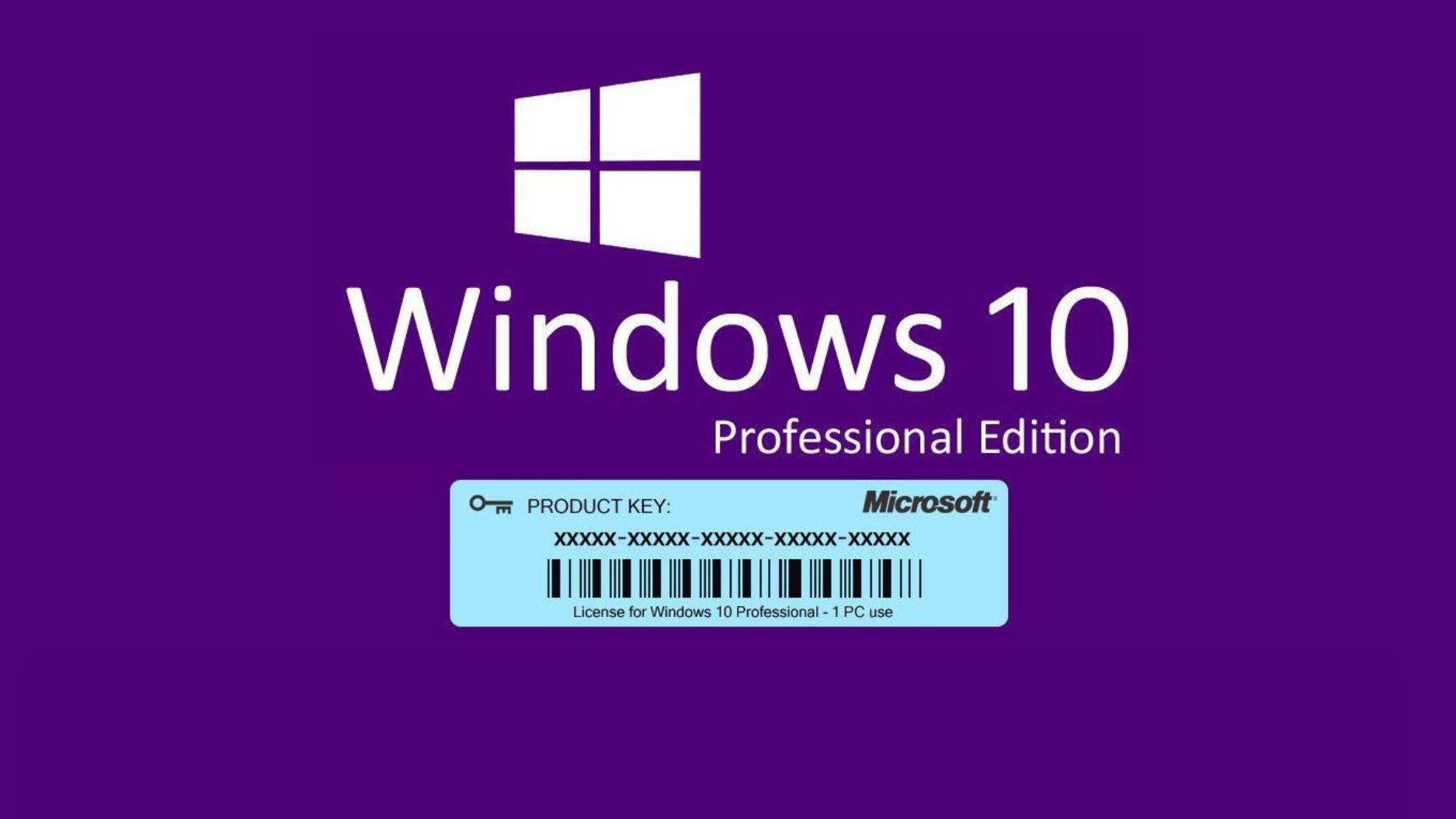
How to choose and activate a Windows 10 license?
Acquiring a Windows 10 license is an essential step for those who wish to fully enjoy the features of Microsoft's operating system. Whether for home or professional use, it is crucial to understand the different options available before making your choice.
In this article, we will guide you on where to buy Windows 10, which Windows 10 Pro key to choose, and how to activate your system with ease.
Which version of Windows 10 to choose?
Windows 10 comes in several versions:
- ✔ Windows 10 Home – Ideal for personal use.
- ✔ Windows 10 Pro – Suitable for professionals and businesses.
If you have advanced needs such as BitLocker encryption, remote access, or domain integration, it is preferable to buy Windows 10 Pro. However, for everyday use and entertainment, the Windows 10 Home version will suffice.
Where to buy a Windows 10 license?
It is important to buy a genuine Windows 10 license to avoid unpleasant surprises related to unofficial keys. On DA Licences, you will find official licenses that can be activated immediately after purchase.
Windows 10 activation key: How to use it?
After your purchase, follow these steps to activate your Windows:
- Open Settings → Update & Security → Activation.
- Enter your product key provided after your purchase.
- Click Activate to complete the process.
32 or 64 bits: Which version to choose?
If your computer has more than 4 GB of RAM, it is preferable to choose a 64-bit version. For older machines, the 32-bit version may be sufficient.
How to avoid common errors?
🚨 Don't fall into the trap of keys sold at excessively low prices on dubious sites! They are often already used or invalid. For guaranteed activation, always buy your license from a reliable site like DA Licences.
Conclusion
Depending on your needs, you can choose between Windows 10 Home and Windows 10 Pro. Activation is simple with an official key. Buy your license now on DA Licences for a hassle-free installation!

Boosting Productivity with Windows 10 Enterprise
Genuine Microsoft License: Comparing OEM, Retail, and Volume