
The Office 2021 key is an essential element for activating and fully utilizing Microsoft Office features. Whether you have purchased a physical version, a digital license, or obtained it through a specific program, activating your Office suite depends entirely on this key. But what if you lose this key, or need to change it for various reasons?
In this article, we will explore in detail how to find, change, and activate an Office 2021 Pro Plus key, while avoiding common pitfalls. You will also learn how to manipulate the free Office 2021 activation key via the command console and resolve common activation-related issues.
What is an Office 2021 key and why is it necessary?
The Office 2021 key is a unique 25-character alphanumeric sequence used for the activation of the Microsoft Office suite on your computer.
How to find your Office 2021 activation key?
Use your Microsoft account
Log in to your Microsoft account via account.microsoft.com and check the "Order History" section to find your key.
Use third-party tools
Some software allows you to extract activation keys from your system. Make sure to use reliable programs to avoid any risks.
Check purchase documents
If you purchased your license from a reliable reseller like Dalicences, check your confirmation email.
Changing your Office 2021 key: detailed steps
Use the Microsoft Office user interface
Go to Office settings, click "Account," then "Change Product Key" to enter the new key.
Change via Command Prompt (CMD)
Open Command Prompt as administrator and enter the following command:
cscript OSPP.VBS /inpkey:XXXXX-XXXXX-XXXXX-XXXXX-XXXXX
Successfully activate your Office 2021 key
Online activation
Microsoft automatically verifies your key. Make sure you are connected to the Internet for quick activation.
Phone activation
If online activation fails, follow the Office instructions to activate your product via the telephone service.
Use CMD to activate the key
In the console, enter:
cscript OSPP.VBS /act
Resolving common activation issues
Key already in use
If your key is already activated on another device, purchase a new Office 2021 license.
Expired license issues
If you are using a temporary key, upgrade to a lifetime license.
Key validation error
Check your internet connection and make sure you enter the key correctly.
Conclusion
By following these steps, you will be able to find, change, and activate your Office 2021 Pro Plus key without difficulty.

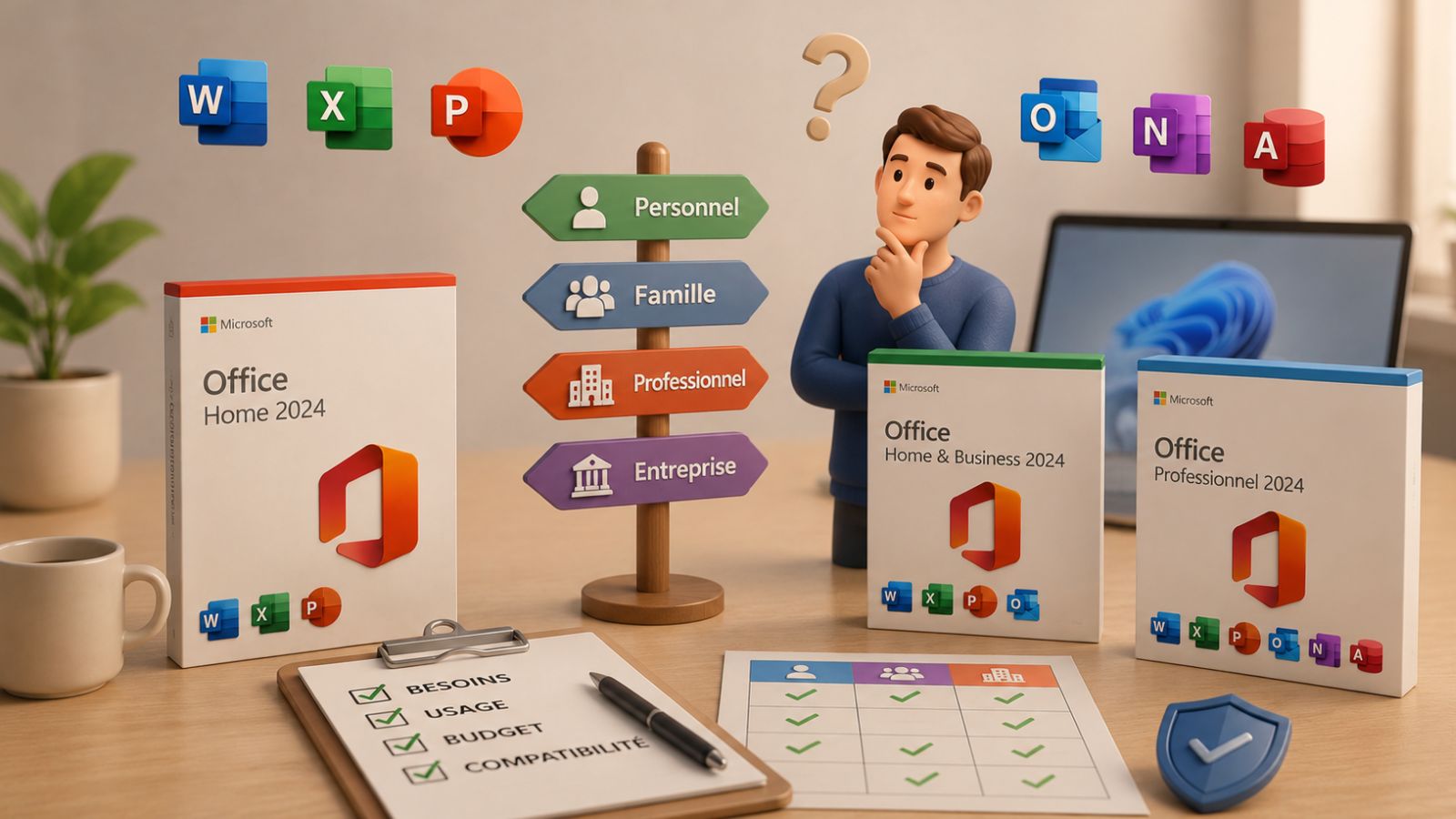

Which Office package for Windows 11? Options and prices
What's New in Windows Server 2022: A Guide to Licensing and Previous Versions